
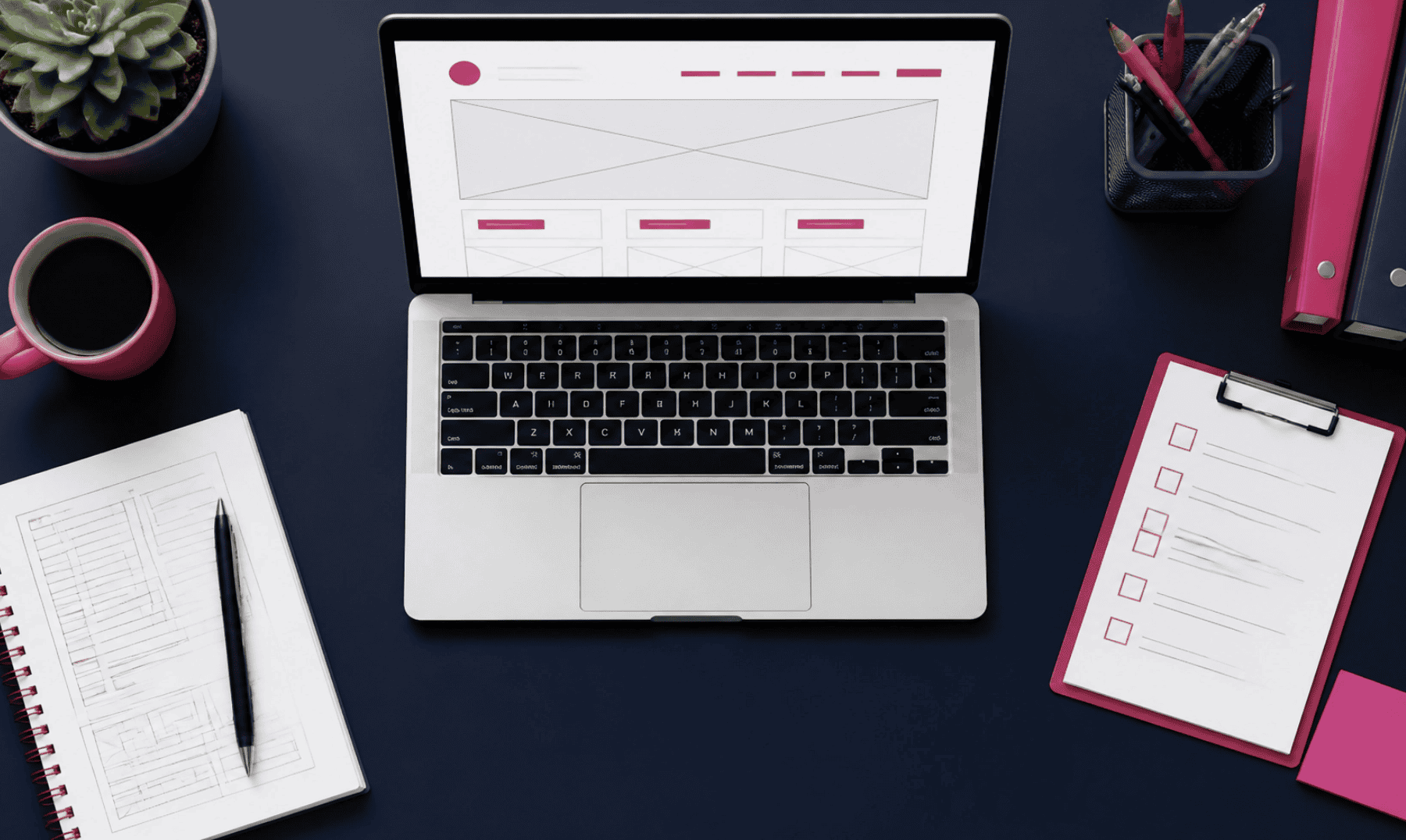
Most service-based business owners in Denver think their website needs to be “prettier” to get more leads. They look at competitors, see flashy animations or complex layouts, and assume that’s what they’re missing.
But here’s the reality: your customers don’t care about how flashy your website is. They care about how quickly they can find out if you can solve their problem.
In the world of UX-focused web design for Denver businesses, clarity wins every time. UX (User Experience) isn’t just for tech giants in Silicon Valley; it’s the difference between a visitor booking a consultation call and a visitor hitting the “back” button.
If you’ve ever felt like your website is a “leaky bucket”: lots of traffic from referrals or ads, but very few inquiries: the problem likely isn’t your service. It’s your UX.
1. The 10-Second Rule: Why First Impressions Are Faster Than You Think
When someone lands on your website, a metaphorical stopwatch starts. You have roughly 10 seconds (and often much less) to answer three critical questions:
- What do you do?
- Is this for me?
- What do I do next?
If the visitor has to hunt for these answers, you’ve already lost them. In small business web design in Denver, we often see sites buried in “welcome” messages or generic stock photos that don’t actually say anything.
Strategic simplicity means moving your value proposition to the very top. Don’t tell them you’ve been “serving the community since 1994” first. Tell them you “Fix Residential HVAC Systems in Denver within 24 Hours.” Then tell them why they should trust you.
A great way to test this is our 10-Second Website Test. If a stranger can’t tell exactly what you offer after a quick glance, it’s time to simplify.
2. Following the F-Pattern: Designing for How People Actually Read
People don’t read websites like they read a novel. They scan them.
Eye-tracking studies consistently show that users scan web pages in an “F-pattern.” They start at the top left (looking for a logo), scan horizontally across the top (navigation and CTA), and then move down the left side of the page, occasionally scanning horizontally across the middle for headings or bullet points.

How do we use this in UX-focused web design?
- Put your most important info on the left: Headings and subheadings should start with the most impactful words.
- Use the horizontal “arms” of the F: This is where your navigation and your primary Call to Action (CTA) should live.
- Break up the wall of text: Long paragraphs are the death of conversion. Use bullet points, bold text, and clear H2 headings to catch the eye as it moves down the page.
3. UX for Service Bookings: Removing the Friction
For a service business, the ultimate goal is usually a booking, a consultation, or an inquiry. If your “Contact” page has 15 required fields, you are actively pushing customers away.
UX design for conversions is about removing friction. Every extra step or field is another chance for a busy Denver business owner to get distracted and leave. A clear, simple site is not just easier to use. It is more result-driven because it helps more people take the next step: call, book, or reach out before they get distracted.
Practical fixes for your booking flow:
- The “One-Click” Rule: Your primary CTA (like “Get Your Free Evaluation”) should be visible at all times, usually in the top right corner of your site.
- Mobile-First Booking: Many of your clients are looking for you on their phones between meetings. If your booking calendar is tiny and impossible to click on mobile, you’re losing phone calls and bookings.
- Clear Expectations: Instead of a vague “Contact Us,” try “Get Your Free Evaluation.” Tell them exactly what will happen when they click.

4. Site Structure: Navigating Without the Jargon
One of the biggest UX mistakes we see is “clever” navigation. If your menu says “Our Philosophy” instead of “Services,” or “The Journey” instead of “Process,” you’re making the visitor work too hard.
A clean site structure helps both your users and your SEO. When your pages are organized logically (e.g., Services > HVAC Repair > Emergency Repair), Google understands what you do, and your visitors can find what they need in two clicks or less.
At Smart Journey Digital, we focus on Website Strategy & SEO that prioritizes this logical flow. We don’t build sites that look like mazes; we build sites that act as clear paths to a solution.
5. Trust Signals: The Secret Ingredient of UX
User experience isn’t just about buttons and layouts; it’s about how the user feels while using your site. Do they feel like they’re in good hands?
In the Denver metro area, trust is local. If your website looks like a generic template with stock photos of people who clearly don’t live in Colorado, you lose that local connection. But flashy design can create a different problem too. If your site feels too polished, too clever, or too “big agency,” it can make a local service business feel less approachable and less trustworthy. People looking for a trusted local expert usually want clear answers, proof, and an easy way to contact you, not a website that feels like it is trying too hard to impress them.
Essential trust signals to include:
- Real Reviews: Not just text, but names and locations if possible.
- Local Cues: Mentioning the neighborhoods you serve (like Cherry Creek, Lakewood, or Arvada) builds immediate relevance.
- Professionalism via Maintenance: A broken link or a “Copyright 2022” in the footer tells a visitor that you aren’t paying attention to detail. This is why ongoing WordPress support is a vital part of your overall UX strategy.
6. Small Business Web Design: Why Less is More
You don’t need a massive, complex website to be successful. In fact, many of the most successful service businesses in Denver win because they have “Strategic Simplicity.”
A 5-page website that is perfectly optimized for UX will out-convert a 50-page website that is cluttered and confusing every day of the week. Focus on your core services, your best testimonials, and a clear way to get in touch. That kind of simplicity is result-driven. It helps more of the right people understand what you do, trust you faster, and turn into phone calls and bookings instead of missed opportunities.

7. Turning Your Website Into a Useful Business Asset
Your website should be your hardest-working employee. It should answer questions, build trust, and schedule appointments while you’re busy running your business.
If your current site feels more like a source of frustration than a source of leads, it might be time to move away from “flashy” and toward “functional.”
FAQs:
- What is UX design? It stands for User Experience: focusing on how easy and pleasant it is for a visitor to use your website.
- Do I need a full rebuild for better UX? Not always. Sometimes a “Website Fix Sprint” to improve messaging and CTAs is all you need.
- Why does local SEO matter for UX? If a user is looking for a Denver service, seeing local trust signals makes their experience more relevant and trustworthy.
Ready to simplify?
If you’re a Denver service-based business owner and you want a site that feels more like a trusted local expert and less like a big-agency showroom, let’s talk. We help you figure out what will make the biggest difference for your business before you spend money in the wrong place.